TOF Sensor
Nooploop TOF Sensor
- Official kit documentation: Nooploop TOFSense series
Preparation
- Rhino Pi-A1
- Nooploop TOFSense series TOF sensor
- USB TO 4CH TTL serial expansion device
- Several other connecting cables
Hardware Connection
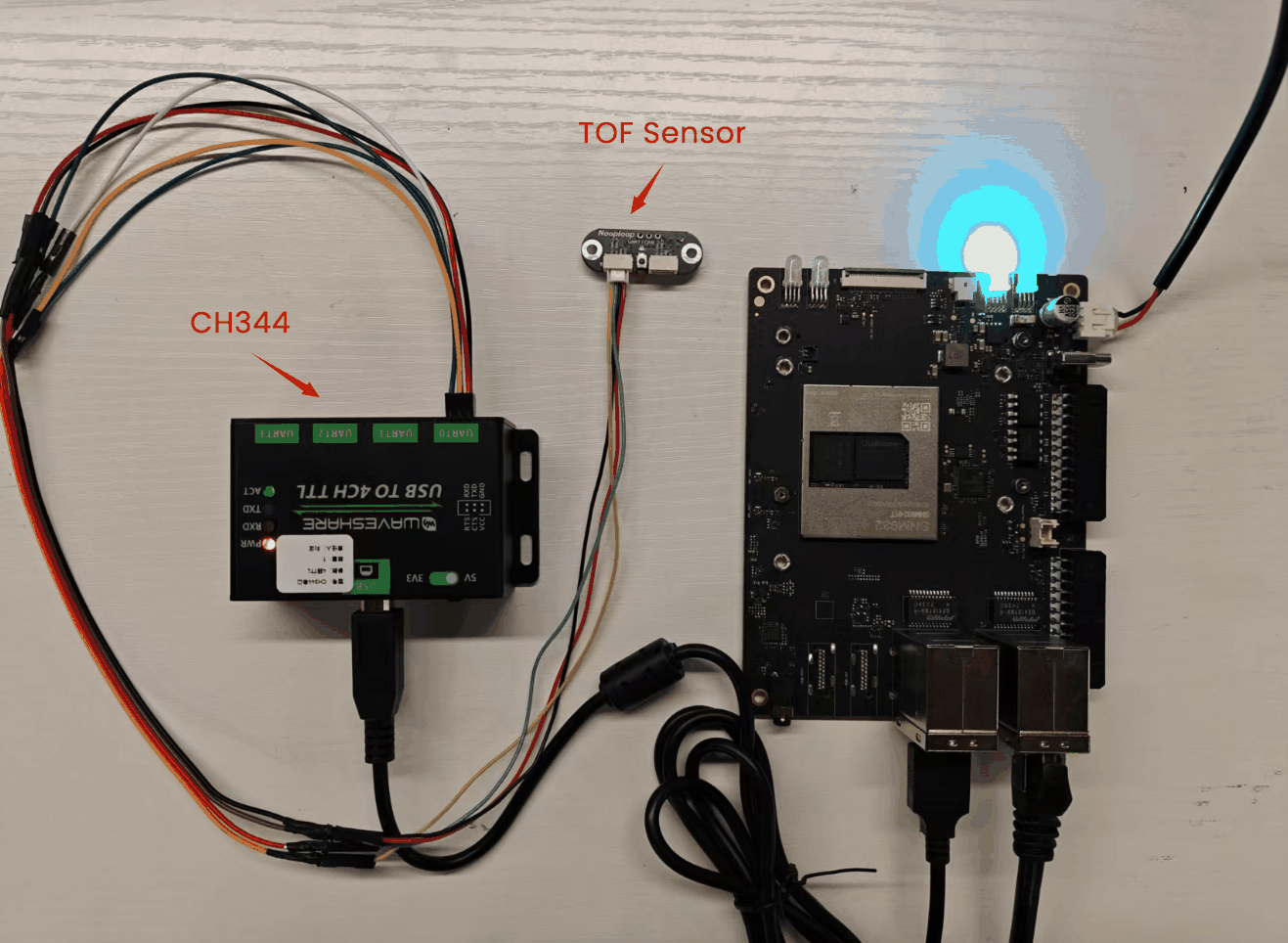
Using the CH344 serial device, connect the VCC, GND, TX, and RX of the TOF sensor to the VCC, GND, RX, and TX of any UART port on the CH344 device. The current example uses the UART0 port.
Testing
After connecting, open the minicom tool in the AidLux terminal (if not installed, use the command sudo apt update; sudo apt install minicom to install it).
shell
sudo apt update
sudo apt install minicom
After installation, open the serial port:
shell
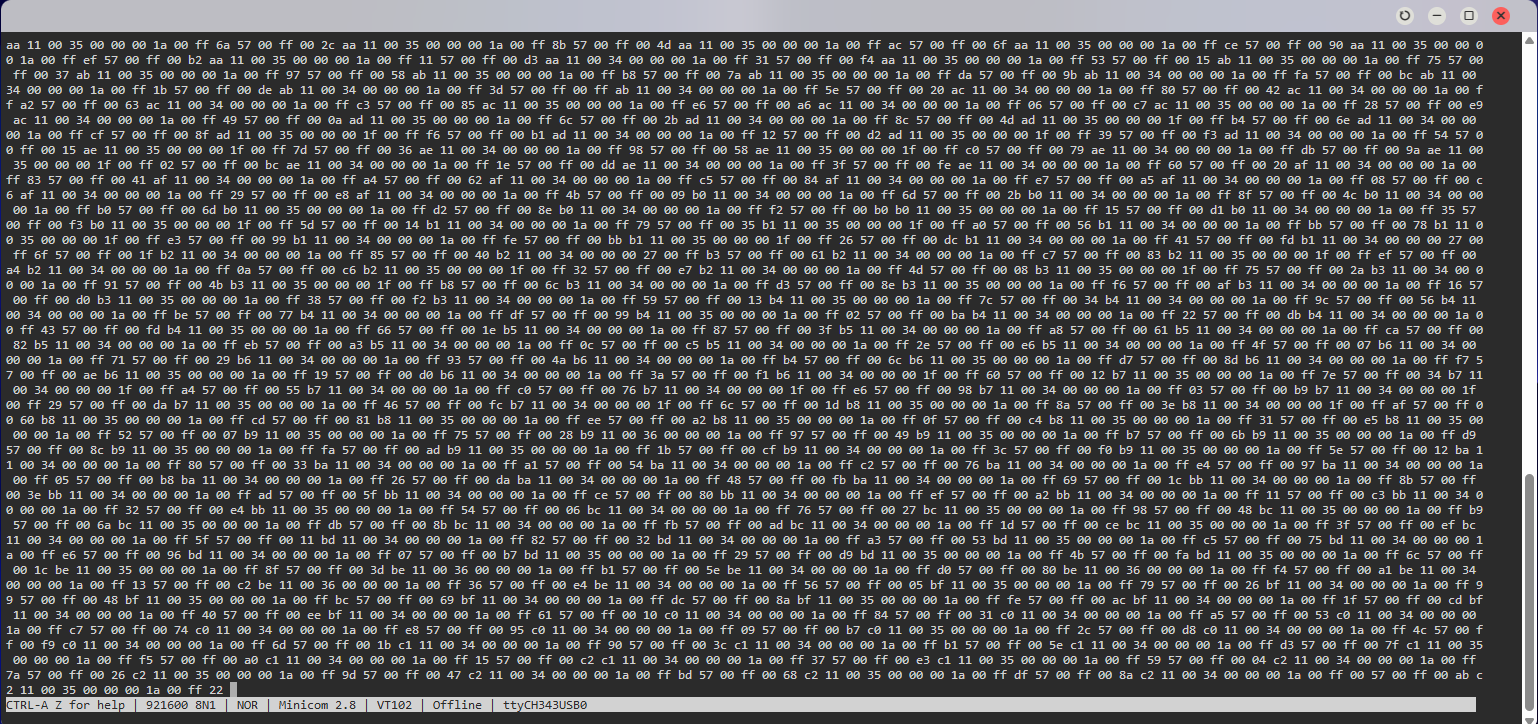
sudo minicom -D /dev/ttyCH343USB0 -b 921600 -HThe default baud rate of the TOF sensor is 921600, and it needs to be displayed in hexadecimal.
Note
If minicom only displays one line, do the following: press Ctrl-A, Z to enter the minicom settings page, then press W to set line wrapping display.
The following is an example of the received data.