SSH Remote Login
Overview
SSH (Secure Shell) is a secure way to remotely log in to and manage the Rhino Pi A1R.
Prerequisites
- The Rhino Pi A1R is connected to the network
- Obtain the device IP address
- An SSH client is installed on the PC
Get the Device IP Address
Refer to the IP address retrieval method in Browser Remote Login.
Log In via SSH
Windows
Use PowerShell, CMD, or third-party tools (such as PuTTY or MobaXterm):
bash
# Via the command line
ssh aidlux@<Device IP>

# Example
ssh aidlux@192.168.110.166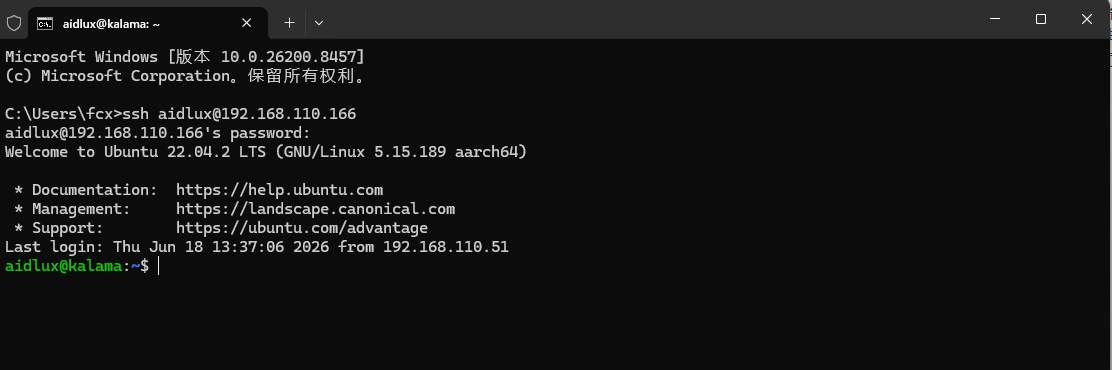
On the first connection, you will be prompted to confirm the host fingerprint. Type yes and press Enter; then enter the login password aidlux as prompted to access the system.
Linux / macOS
bash
ssh aidlux@<Device IP>Default Login Credentials
| Image Type | Username | Default Password |
|---|---|---|
| APLUX Full Image | aidlux | aidlux |
Tip
If the SSH connection is rejected, first confirm that the device and the PC can reach each other over the network and that their IPs can ping each other.