Quick Start
This tutorial is designed to help developers get started with the Rhino Pi A1 Mini development board quickly.
Product Appearance
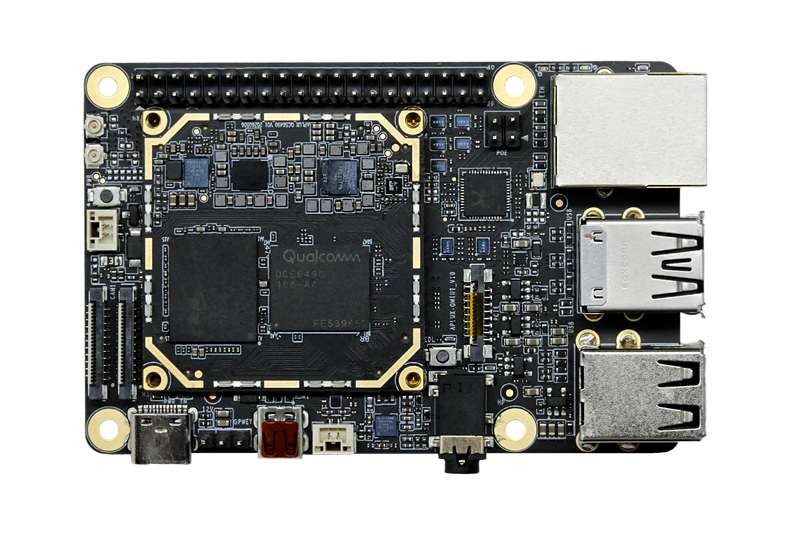
System Check
APLUX Full Image (Default Factory System)
The board comes with APLUX Full Image (Ubuntu 24.04) preinstalled. Supply power from a 12V/2A power adapter through the onboard Type-C interface, then press the power button (SW2) to power on the board (the Rhino Core Q64 core board does not support power-on auto-start).
- Power-on process: The red LED stays on, and the fan starts spinning
- System booted successfully: The green LED stays on
- System abnormal: The red LED lights up

