Audio Interface
The Rhino Pi-A1 is equipped with a 3.5mm audio interface (headphone jack), which must be used with a headset with microphone using a 4-segment plug.
Hardware Connection
- Connect the headset with microphone to the device's 3.5mm interface
Audio Testing
Hardware Connection
- Connect a 3.5mm headset with microphone to the device's 3.5mm interface
Using Audio on Android
Refer to the Web Login documentation to log in to the AidLux Web desktop.
- Use screen casting login or direct display connection to log in to the Android home screen
Note
Refer to the Quick Start section for screen casting and direct display login methods.
- Click and drag the left mouse button upward to open the
Recorderapp
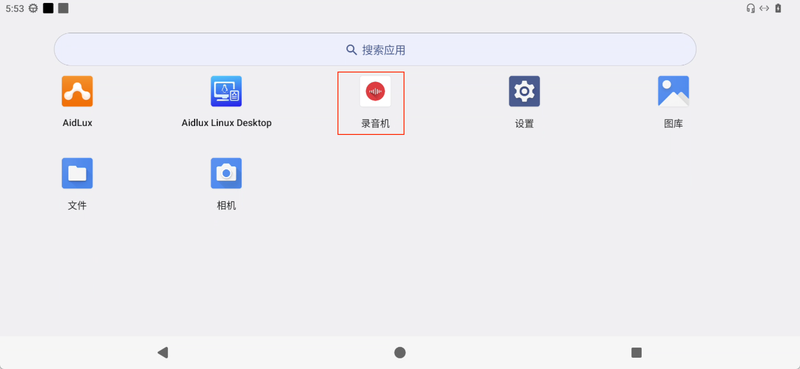
- You can use this app for recording and playback testing
Using Audio on Ubuntu
Note
Not supported yet. Please stay tuned.