Remote Desktop
VNC Connection to GNOME Desktop
Start VNC Server
bash
/opt/aidlux/app/ubuntu-desktop/vncserver.sh startConnect to Ubuntu Desktop (GNOME) via VNC
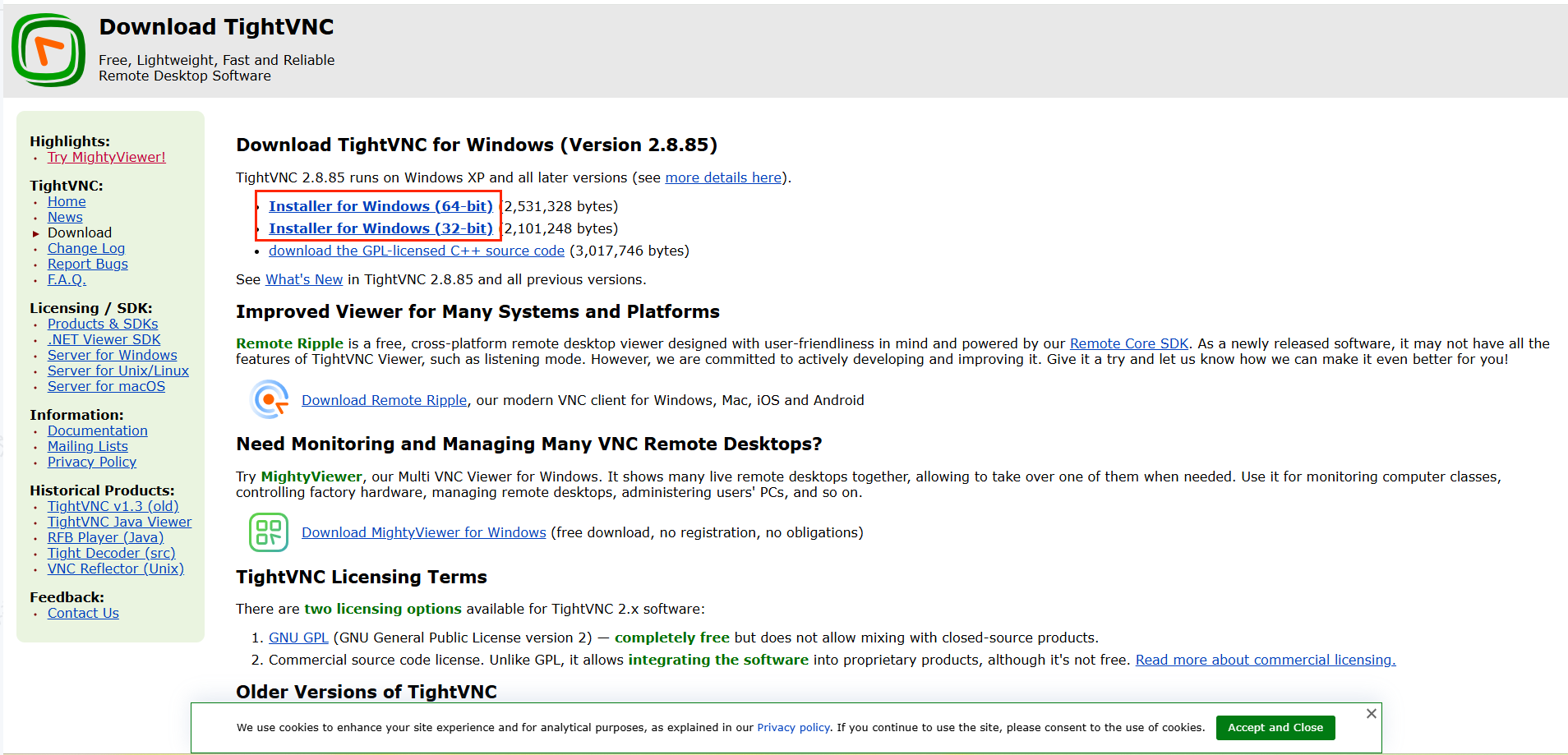
Download VNC Tool:
You can download TightVNC from the link below, or use any other VNC client.
Download: https://www.tightvnc.com/download.php
- Choose the version matching your PC's operating system, download, and install.
Open VNC Tool and Connect to GNOME Desktop
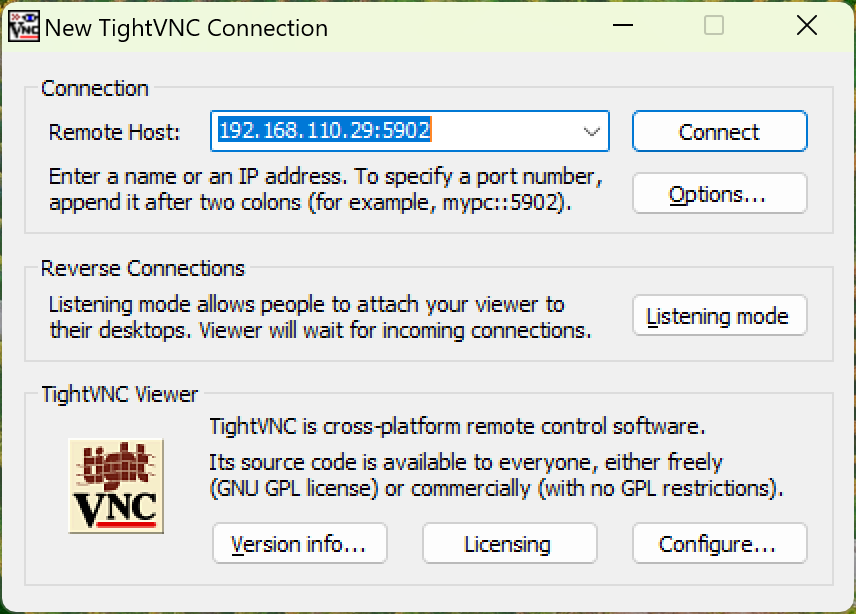
- Open TightVNC, enter the device's
IP:5902, and click Connect.
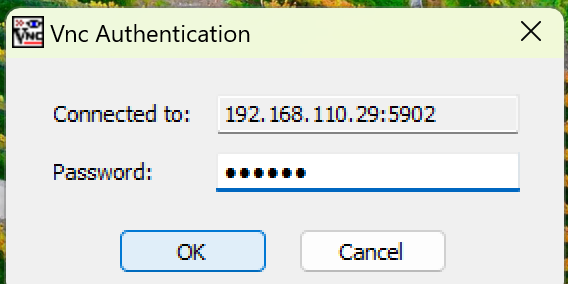
- When prompted for a password, enter
aidluxand clickOKto connect.