Depth Camera
Note
The following device testing is validated in the ROS2 environment.
Intel RealSense D415
Preparation
- Rhino Pi X1
- Intel RealSense D415 depth camera and corresponding drivers
Follow the steps below for installation: After installing Ubuntu Desktop and connecting via a VNC tool, execute the following commands in the terminal window:
shell
sudo apt-get update
sudo apt-get install ros-humble-realsense2-camera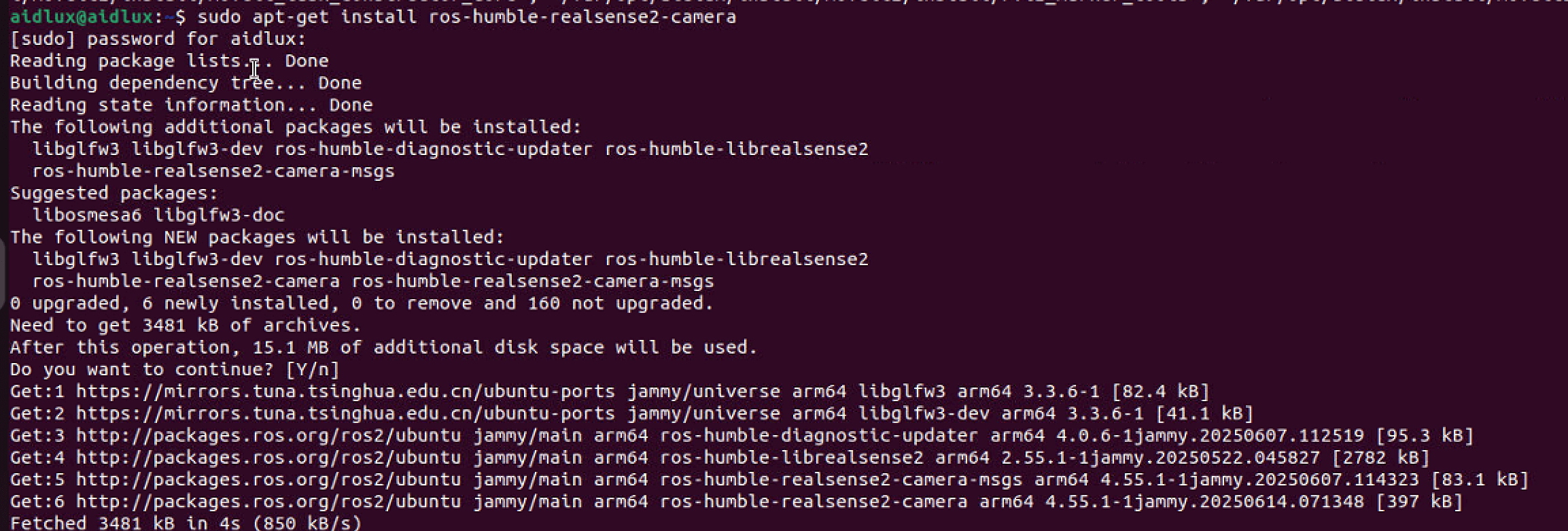
Hardware Connection
Connect the depth camera to the USB port of Rhino Pi X1.
Testing
- After successful connection, launch the camera driver using the following command:
shell
ros2 launch realsense2_camera rs_launch.py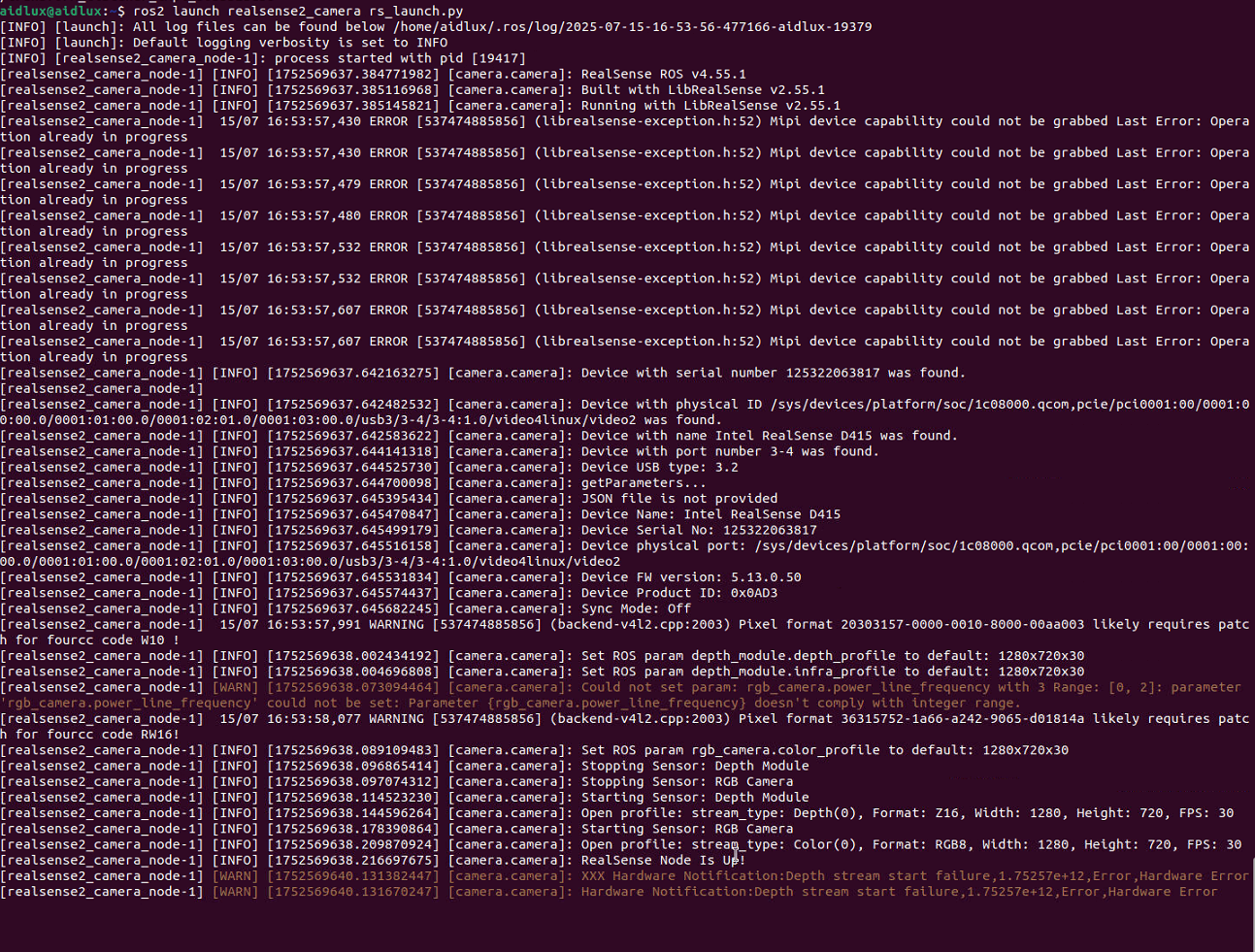
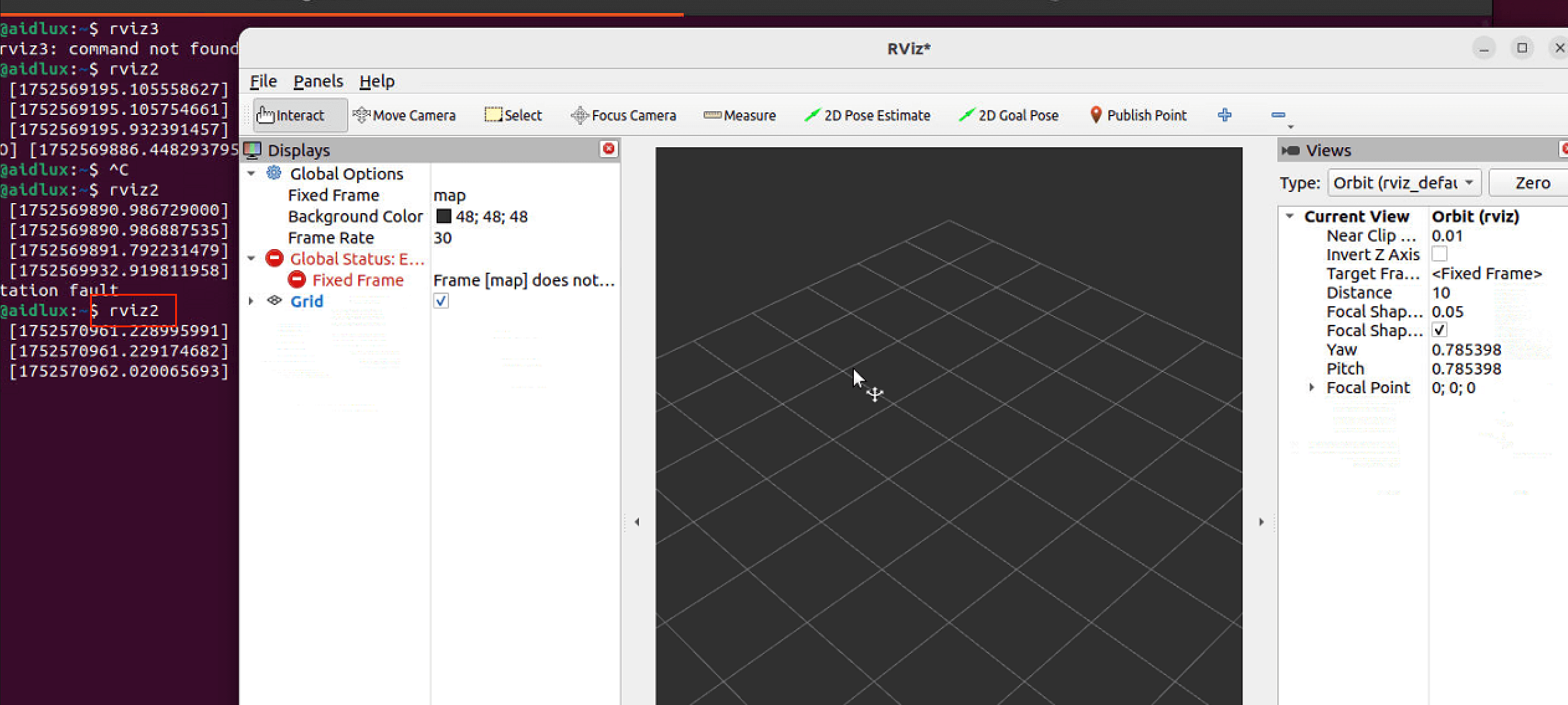
- Open RViz2
Open a terminal and enter: rviz2
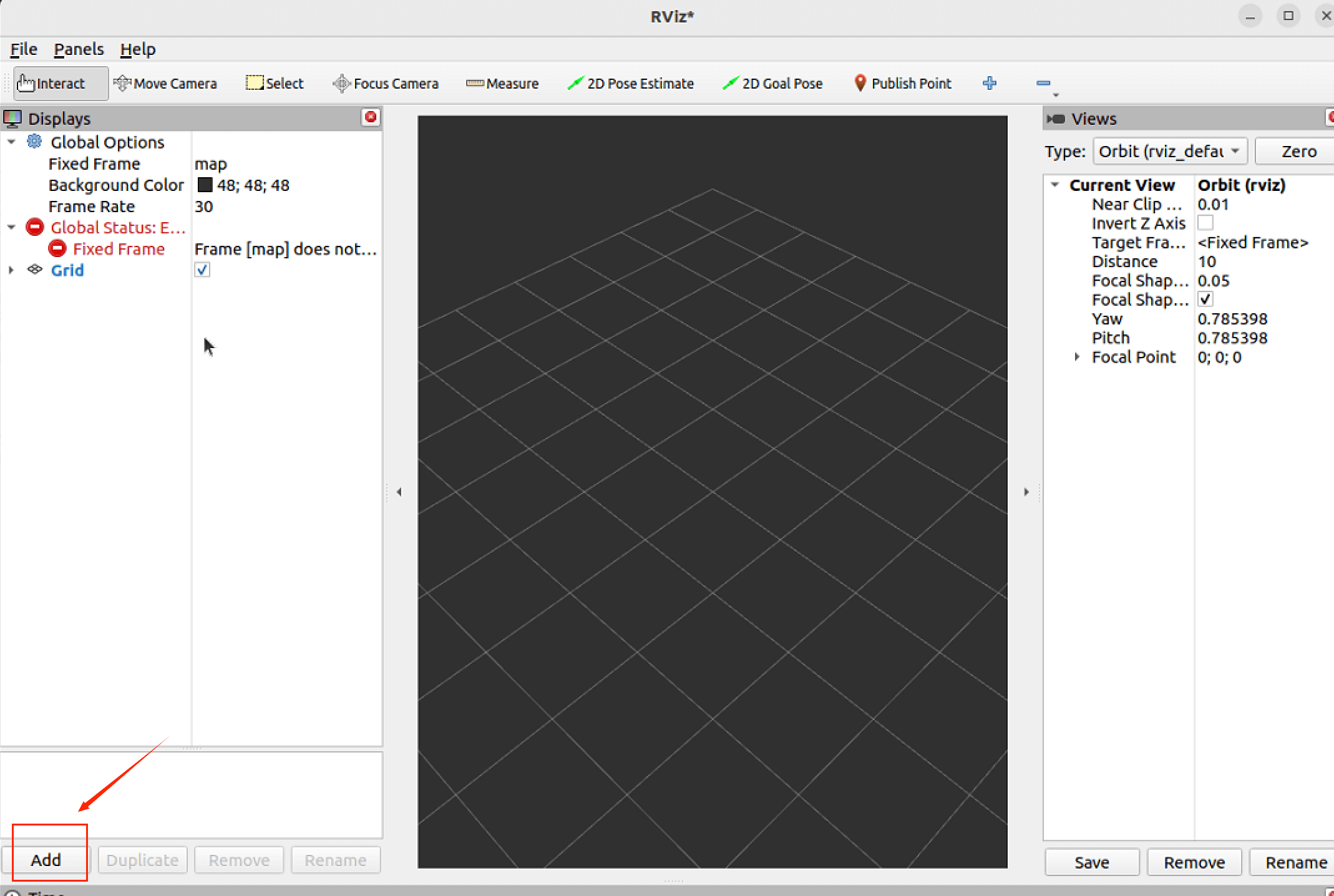
- Verify and display the depth camera image in RViz2
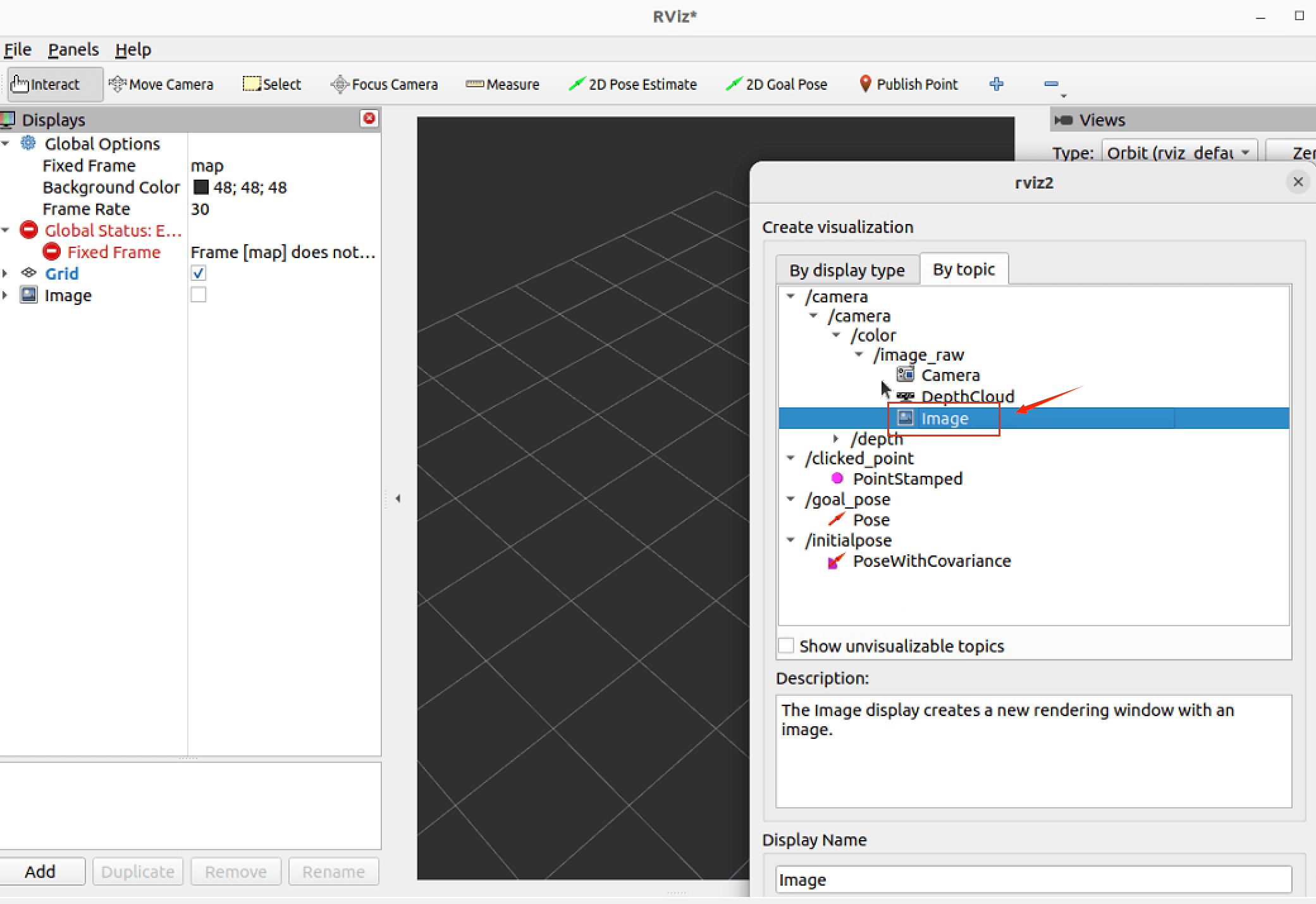
Click the Add button in the bottom-left corner.
Click By topic in the pop-up window.
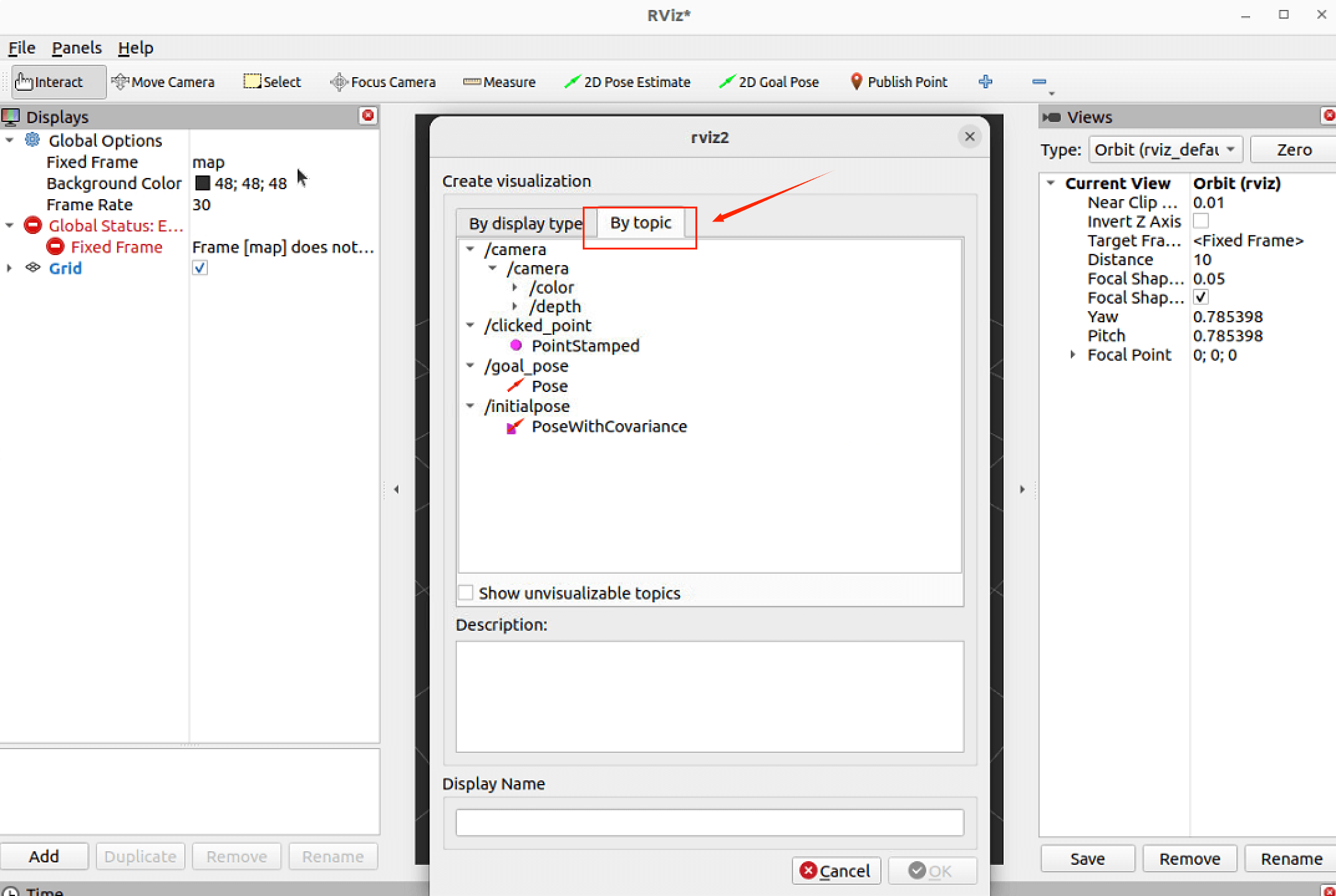
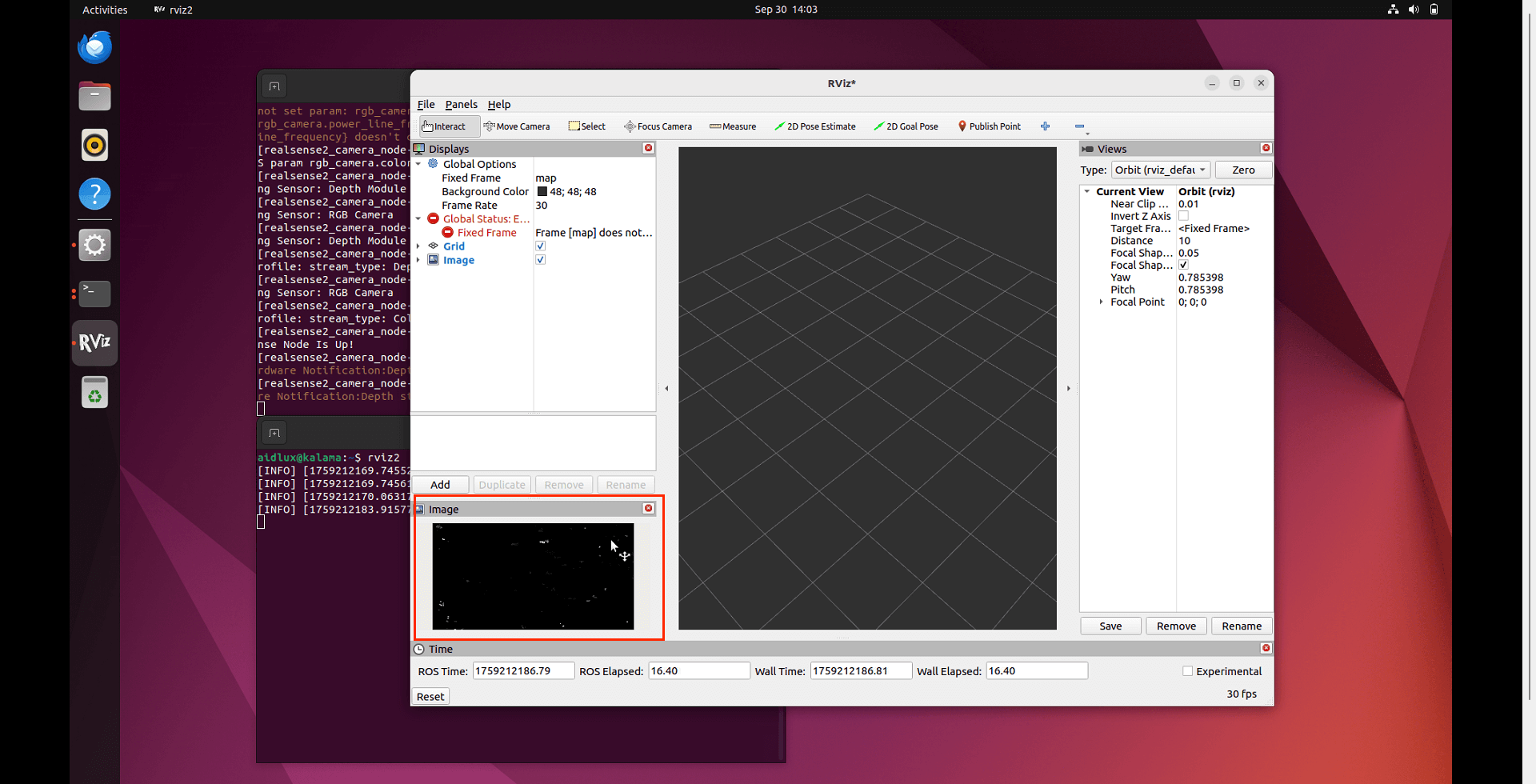
Double-click to open image under the /camera node, and observe the camera-captured image appearing in the image pop-up window in the bottom-left corner.