Remote Desktop
VNC Connect to Gnome Desktop
Start VNC Service
bash
sudo systemctl start vnc vnc-stConnect to Ubuntu 24.04 Remote Desktop via VNC
VNC Tool Download
You can download the TightVNC tool from the link below, or use other VNC tools for connection.
Download link: https://www.tightvnc.com/download.php
- Select and download the appropriate version according to your computer's operating system, then proceed with the installation.
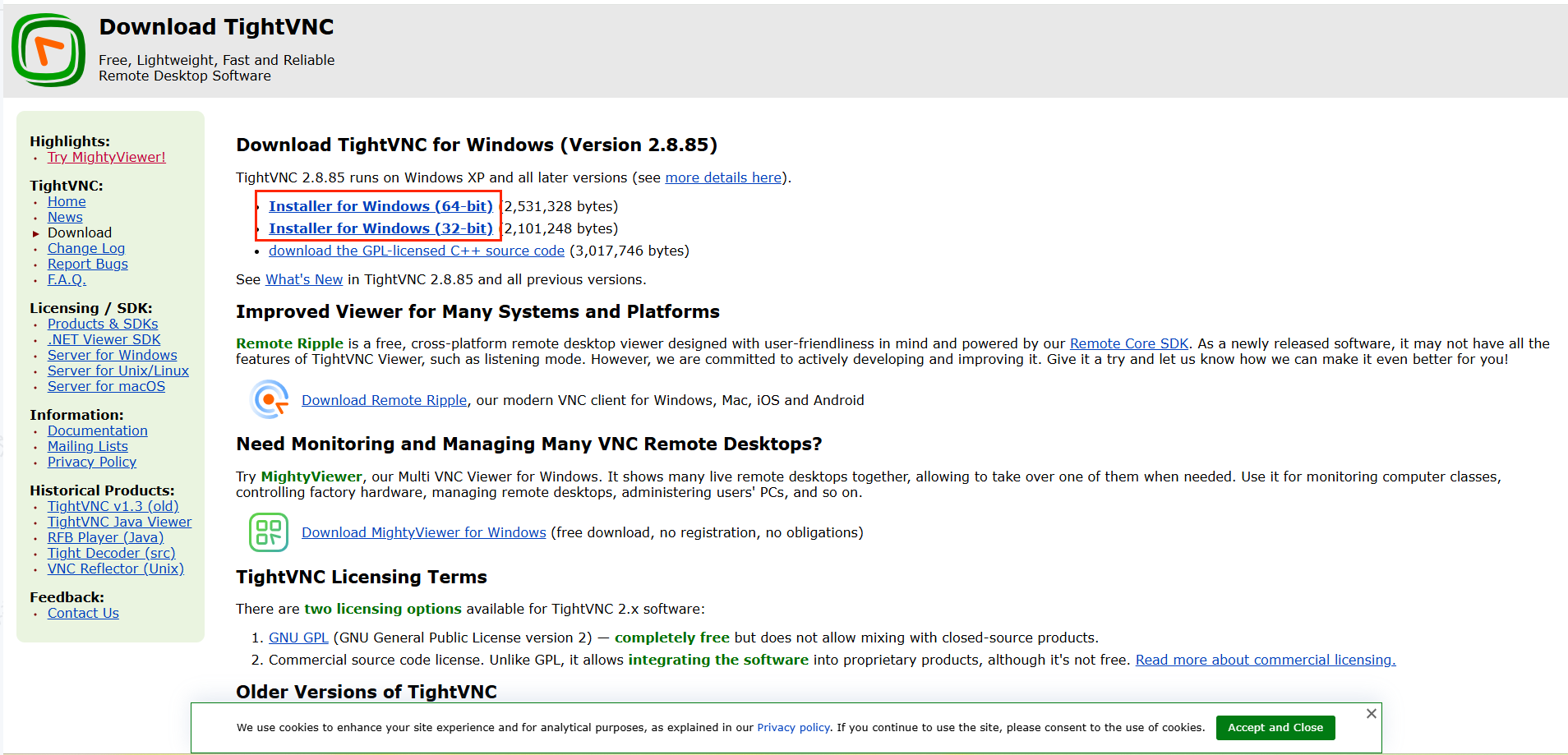
Open VNC Tool and Connect to Gnome Desktop
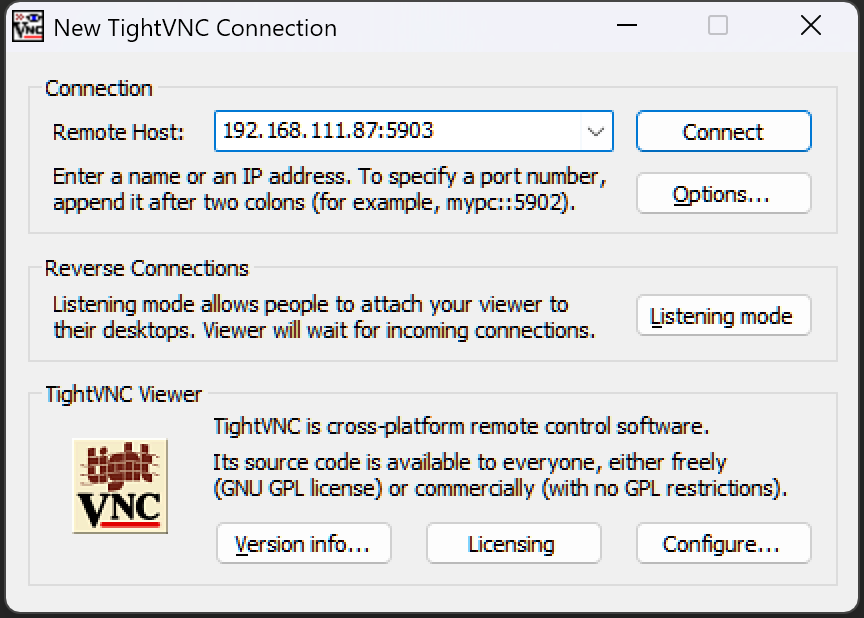
- Launch TightVNC, enter the device address
IP:5903, and click Connect to establish the connection.
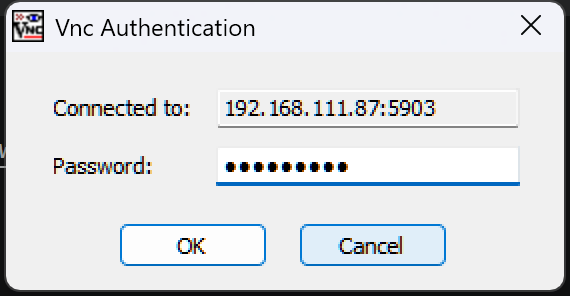
- After redirection, you will be prompted to enter the password:
aidlux123. Click the OK button to complete the connection.