Quick Start
This tutorial aims to help developers quickly get started with the Aijiaxi Rhino Pi X1 product.
Product Overview
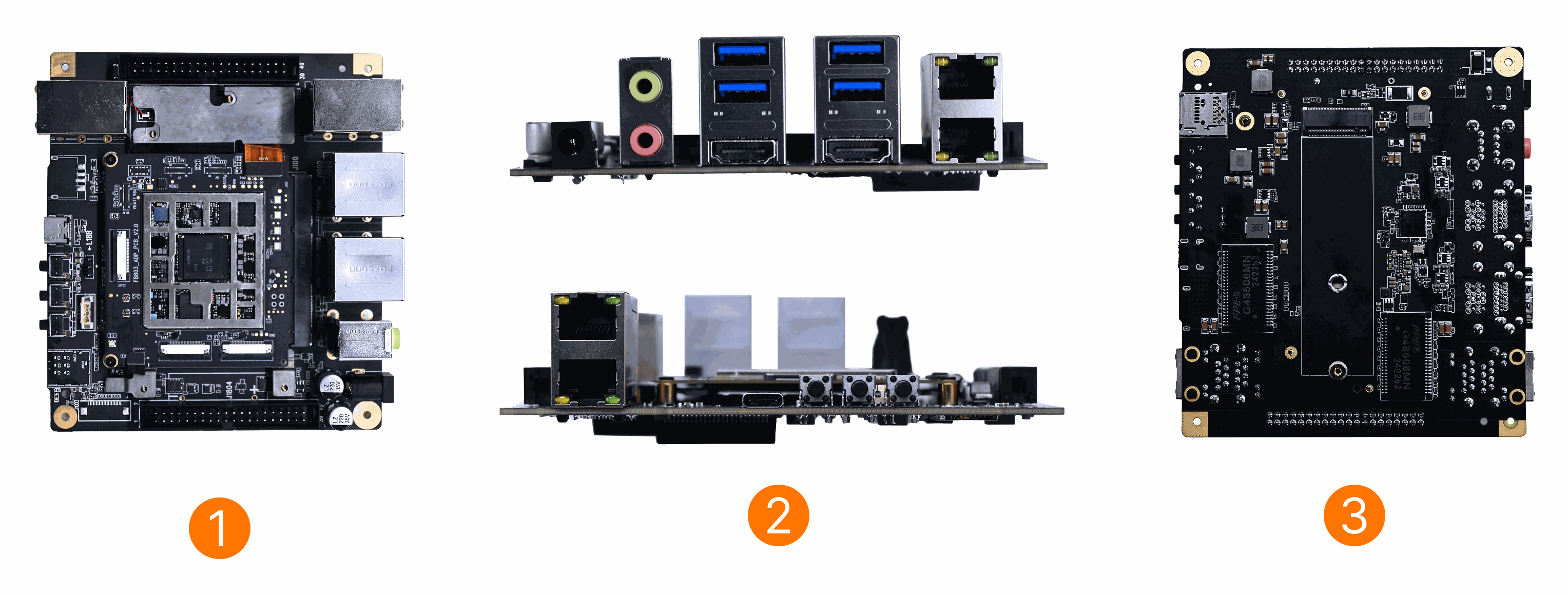
| No. | View | No. | View | No. | View |
|---|---|---|---|---|---|
| 1 | Rhino Pi X1 Front View | 2 | Rhino Pi X1 Side View | 3 | Rhino Pi X1 Rear View |
System Check
The board comes with Ubuntu 22.04 pre-installed. After connecting the 12V power adapter, the board will automatically boot.
- Boot process: Red LED stays on
- System ready: Fan starts spinning, indicating boot is complete
Notice
If the board boots into an Android system, you will need to install Ubuntu 22.04 manually. See Full Package Installation
